
Your library, in your pocket
The digib00age Android app connects to your server over your own network, so you can browse, read and keep your progress in sync from a phone or tablet.
How sync works
Pick up on your phone, exactly where you left off
- Reading progress (last page read) syncs between your device and server
- Sync runs when you tap "sync now", or automatically on reconnect / app foreground
- A visible "last synced" indicator means you always know if what you're seeing is current
- Download issues to read fully offline, no connection needed
- Built for one device at a time against your server — not a multi-device real-time stream
Reading, your way
Scroll, page, or right-to-left
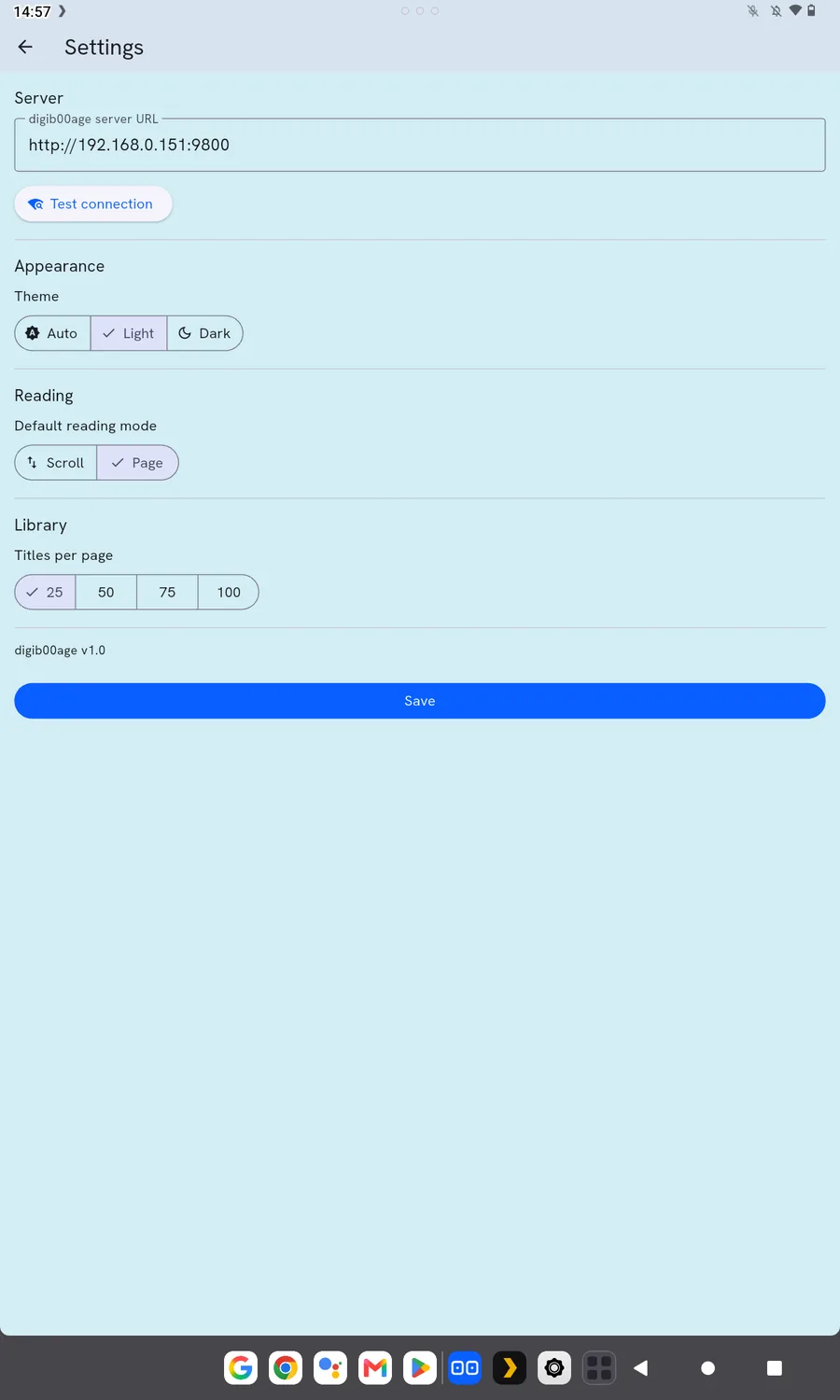
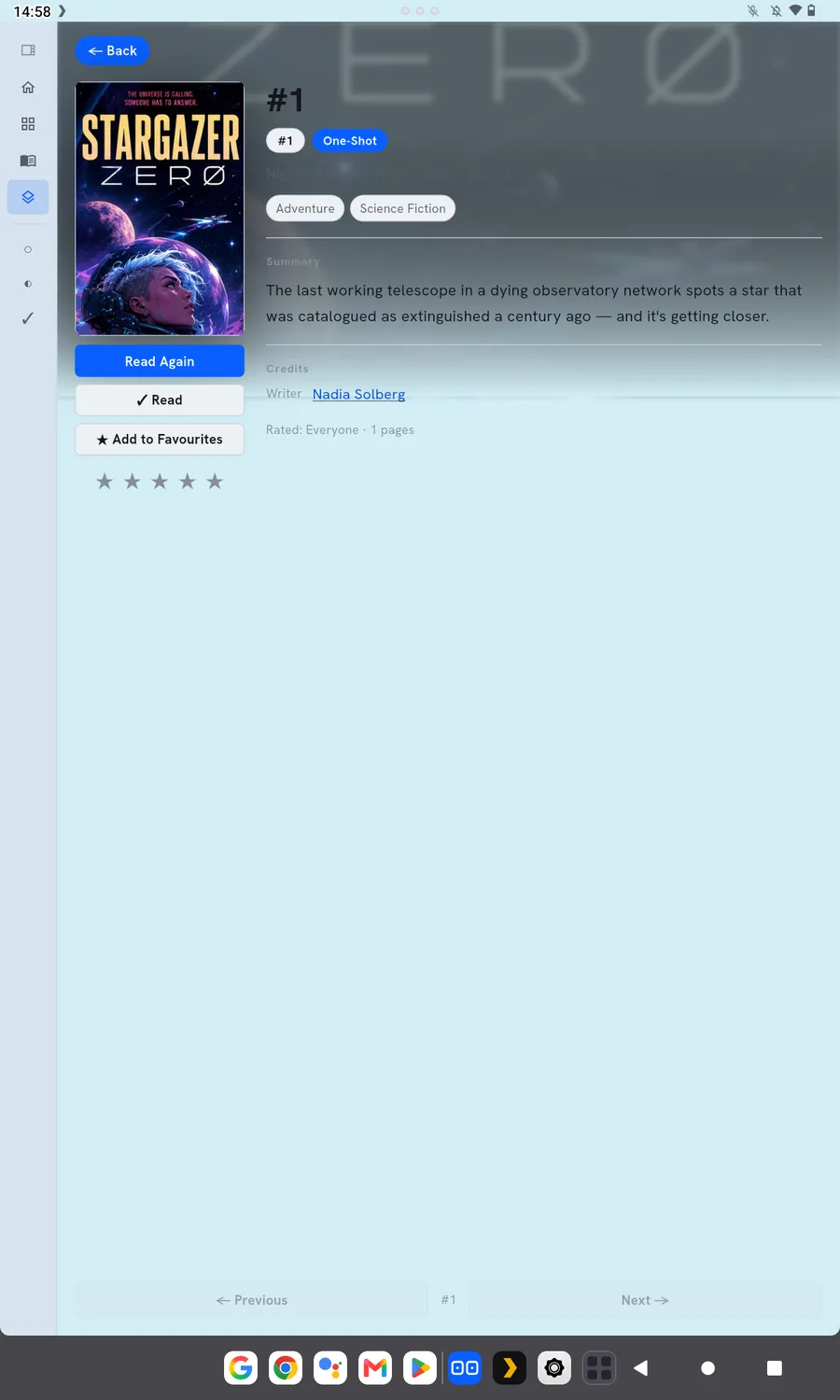
Every issue screen shows the summary, credits, genres and your rating before you dive in. Choose scroll or page reading mode, with manga right-to-left support, and switch between light and dark themes to suit wherever you're reading.
On the device
A closer look
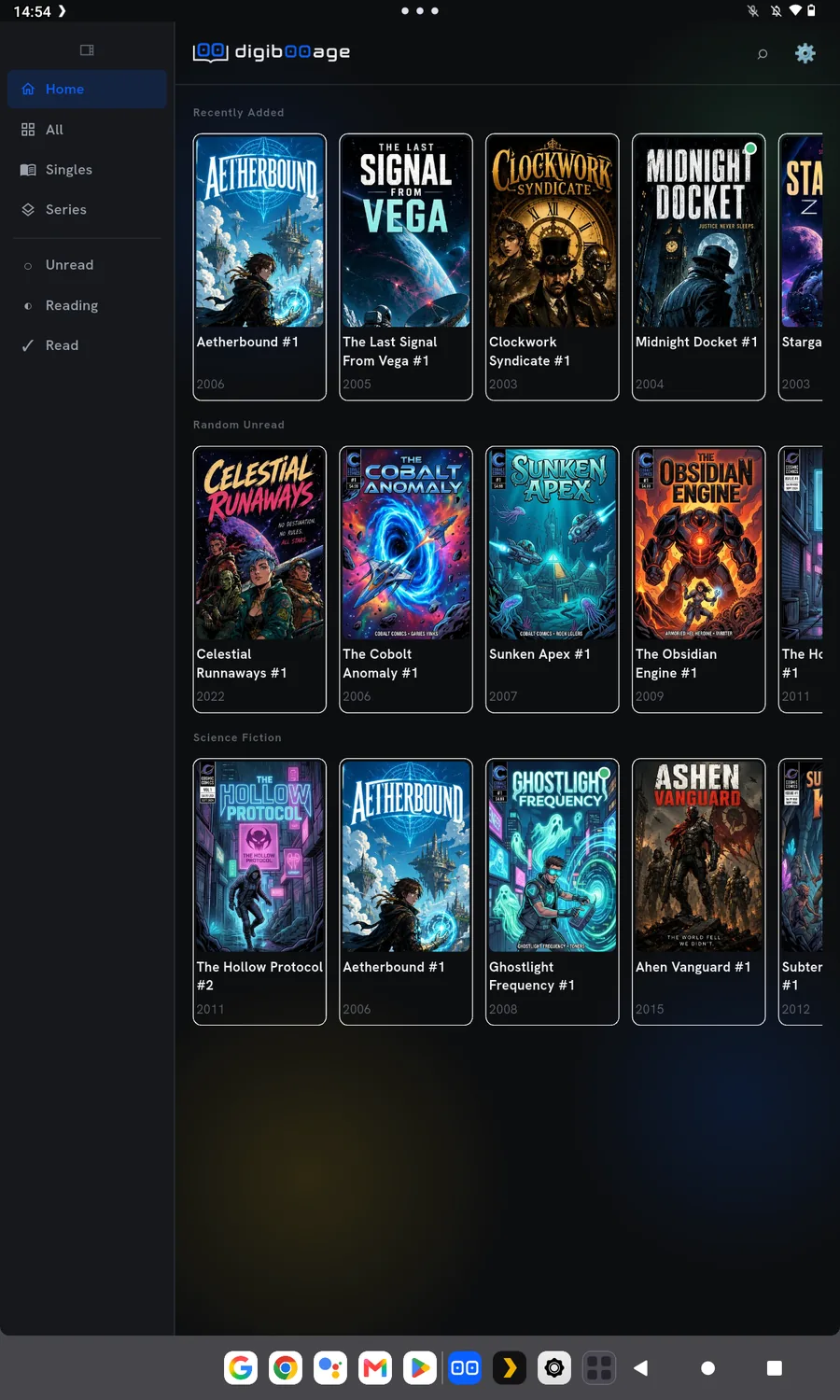
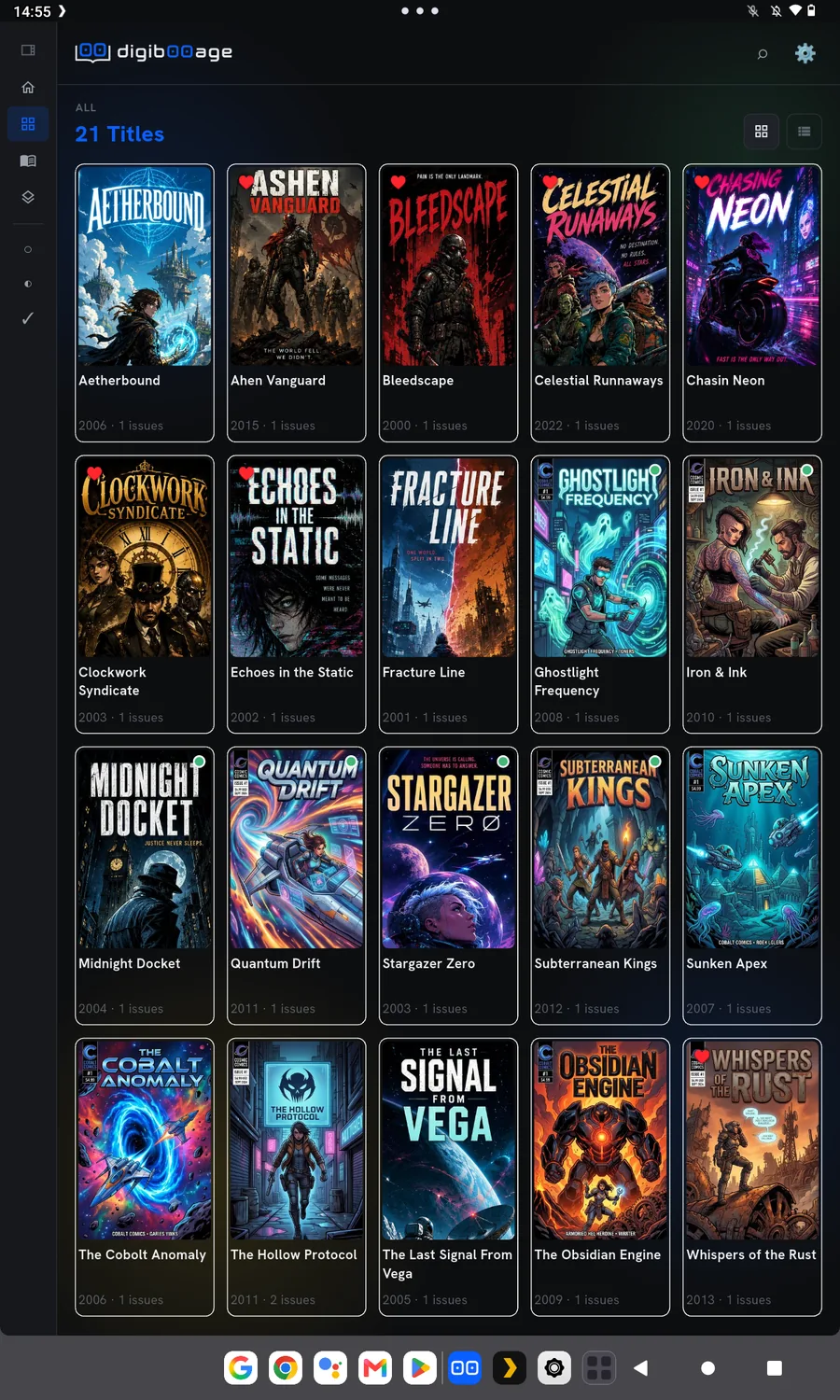
Grid or list view, home strips, and full issue detail — the same library, reshaped for a smaller screen.
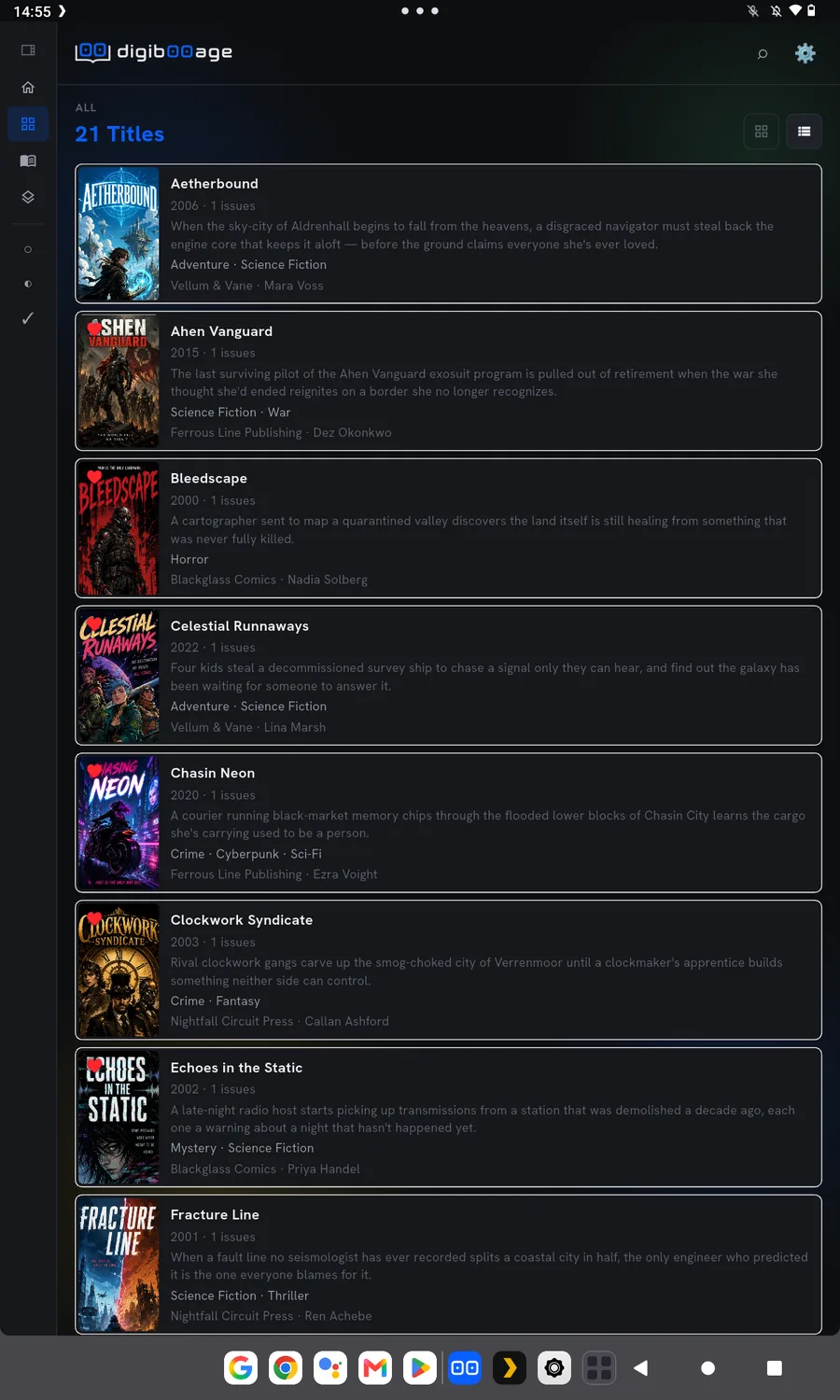
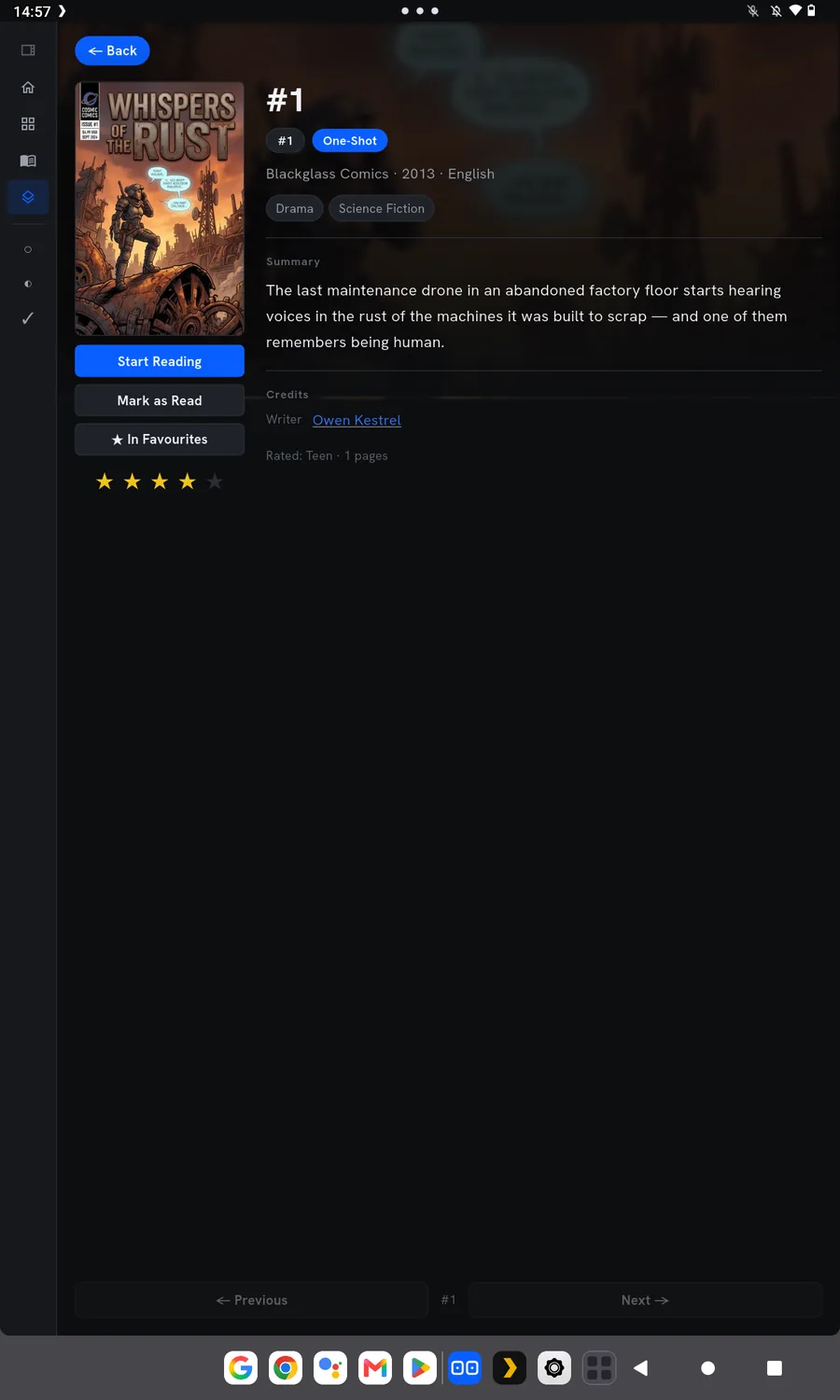
Android app
Get the reader app
The app isn't on Google Play yet — it's available as a direct install today, with a Play Store closed testing track planned. Want to help test it?